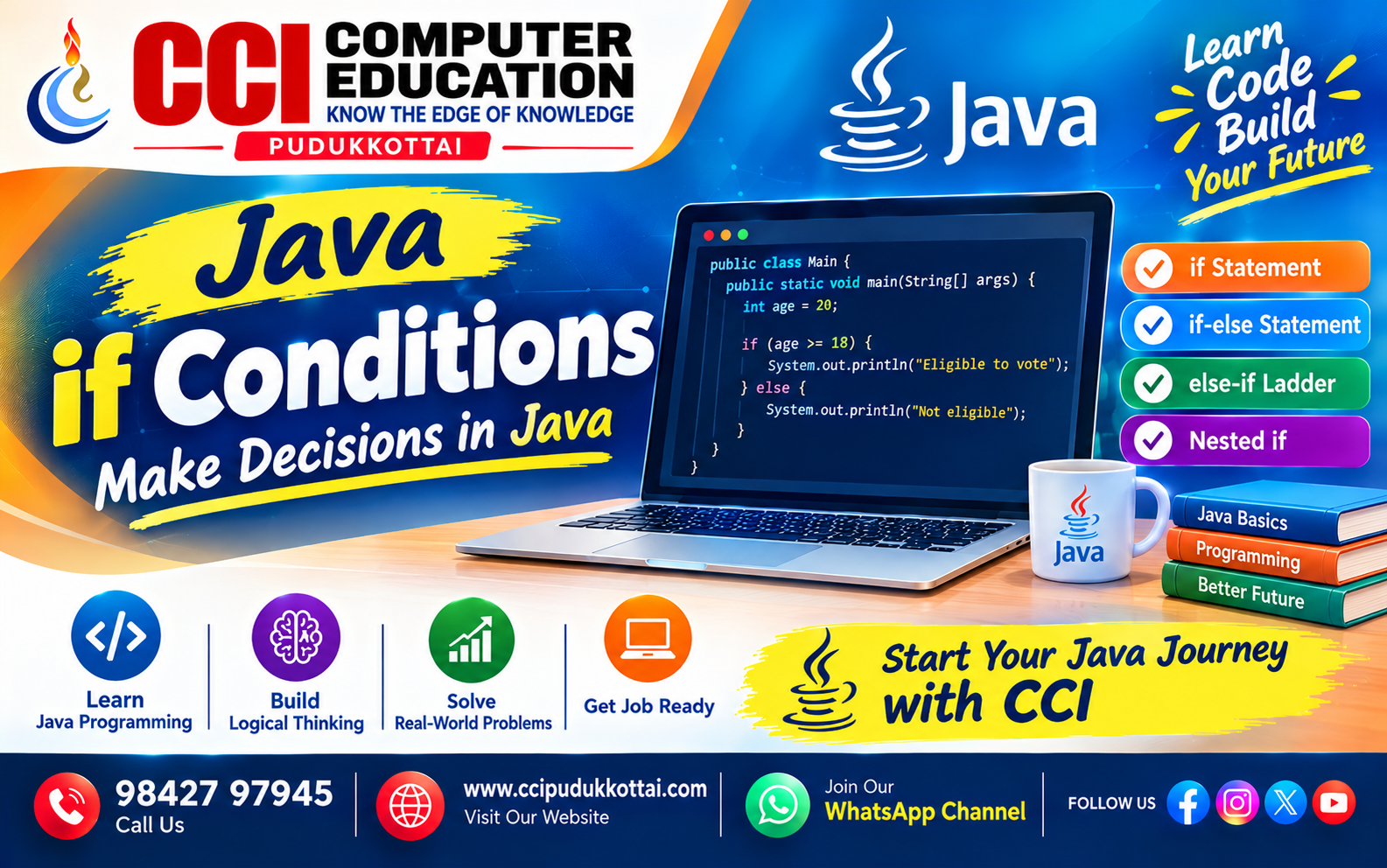
Java if Conditions – Make Decisions in Java
Published: 16 Oct, 2026 | Author: CCI Admin | Category: Java / Programming
Java is a popular programming language used to develop desktop applications, web applications, Android applications, and enterprise software. Conditional statements help Java programs make decisions based on different situations.
In this guide from CCI Computer Education, Pudukkottai, you will learn
Java if, if-else, else-if,
and nested if statements with simple examples and outputs.
1. What Is an if Statement in Java?
The if statement executes a block of Java code only when
the specified condition evaluates to true.
If the condition is false, the block is skipped.
Syntax:
if (condition) {
    // Code executes when the condition is true
}
2. Simple if Statement in Java
Let us check whether a person is eligible to vote based on their age.
public class Main {
    public static void main(String[] args) {
        int age = 20;

        if (age >= 18) {
            System.out.println("Eligible to vote");
        }
    }
}
Output:
Eligible to vote
Here, age >= 18 evaluates to true because the age is 20.
Therefore, Java executes the statement inside the if block.
3. if-else Statement in Java
The if-else statement provides two possible execution paths.
One block runs when the condition is true, and the other runs when it is false.
Syntax:
if (condition) {
    // Executes when true
} else {
    // Executes when false
}
Example: Check Even or Odd
public class Main {
    public static void main(String[] args) {
        int number = 7;

        if (number % 2 == 0) {
            System.out.println("Even number");
        } else {
            System.out.println("Odd number");
        }
    }
}
Output:
Odd number
The modulo operator (%) returns the remainder.
If the remainder after division by 2 is zero, the number is even.
Otherwise, it is odd.
4. else-if Ladder in Java
An else-if ladder checks multiple conditions in sequence.
Java executes the first matching block. If no condition is true,
the else block executes.
Example: Calculate Student Grade
public class Main {
    public static void main(String[] args) {
        int mark = 85;

        if (mark >= 90) {
            System.out.println("Grade A");
        } else if (mark >= 75) {
            System.out.println("Grade B");
        } else if (mark >= 50) {
            System.out.println("Grade C");
        } else if (mark >= 35) {
            System.out.println("Pass");
        } else {
            System.out.println("Fail");
        }
    }
}
Output:
Grade BSince the mark is 85, the first condition is false and the second condition is true. Therefore, Java displays Grade B.
5. Nested if Statement in Java
A nested if statement means placing one if
statement inside another. It is useful when a second condition should
be checked only after the first condition is satisfied.
Example: Check Age and ID
public class Main {
    public static void main(String[] args) {
        int age = 22;
        boolean hasId = true;

        if (age >= 18) {
            if (hasId) {
                System.out.println("Entry allowed");
            } else {
                System.out.println("Please show your ID");
            }
        } else {
            System.out.println("Entry not allowed");
        }
    }
}
Output:
Entry allowedJava first checks the age condition. Because the person is at least 18 years old, it checks the second condition to verify the ID.
6. Real-World Example: Student Result System
A student result system can use conditional statements to validate marks and display the result.
public class Main {
    public static void main(String[] args) {
        int mark = 78;

        if (mark < 0 || mark > 100) {
            System.out.println("Invalid mark");
        } else if (mark >= 35) {
            System.out.println("Result: Pass");
        } else {
            System.out.println("Result: Fail");
        }
    }
}
Output:
Result: PassThe program first checks whether the mark is outside the valid range. If it is valid, the program checks whether the student has scored at least 35 marks.
7. Java if vs if-else vs else-if vs Nested if
| Statement | Purpose | Example |
|---|---|---|
| if | Executes code when a condition is true. | Voting eligibility |
| if-else | Chooses between two alternatives. | Even or odd |
| else-if ladder | Checks multiple conditions in order. | Grade calculation |
| Nested if | Checks a condition inside another condition. | Age and ID verification |
8. Common Mistakes to Avoid
- Forgetting parentheses around the condition.
- Using
=instead of==to compare primitive values. - Adding a semicolon immediately after the
ifcondition. - Forgetting braces when writing multiple statements in a block.
- Checking conditions in the wrong order.
9. Faculty Tip
At CCI Computer Education, students can practise Java conditions using real-world problems such as voting eligibility, even or odd numbers, student grades, ticket eligibility, and login validation. Encourage students to predict the output before running each program.
10. Practice Tasks for Students
- Write a Java program to check whether a number is positive, negative, or zero.
- Find the largest of two numbers using
if-else. - Check whether a person is eligible to vote.
- Display a student grade based on marks from 0 to 100.
- Check whether a number is divisible by both 3 and 5.
11. Frequently Asked Questions (FAQs)
1. What is an if statement in Java?
An if statement executes a block of code when its
Boolean condition evaluates to true.
2. What is the difference between if and if-else?
The if statement executes code when its condition is true.
The if-else statement also provides an alternative block
when the condition is false.
3. What is an else-if ladder?
An else-if ladder checks multiple conditions in sequence
and executes the first block whose condition is true.
4. What is a nested if statement?
A nested if statement is an if statement
written inside another if statement.
5. Can Java if statements check multiple conditions?
Yes. Java supports logical operators such as &&
(AND), || (OR), and ! (NOT) to combine
or reverse Boolean conditions.
Conclusion
Java conditional statements help programs make decisions based on
different situations. Understanding if, if-else,
else-if, and nested if statements builds
a strong foundation for learning Java loops, methods, and object-oriented
programming.
Practise these examples and try the exercises to strengthen your Java programming skills with CCI Computer Education, Pudukkottai.
What to Learn Next
- Java switch Statement
- Java for and while Loops
- Java Logical and Relational Operators
Related CCI Blogs
- Introduction to Java Programming
- Java Variables and Data Types
- Java Classes and Objects
- Java Constructors Explained with Simple Examples
- Java Methods – Create Reusable Code with Simple Examples
Learn Java with CCI Computer Education
Want to learn Java programming through practical examples and projects? Join CCI Computer Education, Pudukkottai, and develop programming skills step by step.
✨ Start your fullstack journey with CCI 👆Explore the Course
Call: 98427 97945
Website: www.ccipudukkottai.com
WhatsApp Channel: Follow CCI Computer Education
CCI Computer Education – Learn Today, Build Tomorrow.